TWO-PERSON GROUP PHOTO · NANO BANANA 2.1
Two portraits.
One shared scene.
Bring two people from separate photos into one portrait. Upload one person per reference, describe their positions, and review both faces before sharing.
Prepare your photo
Start with the sources.
These are our existing synthetic sample images, reused for this example. They are not customer photos.
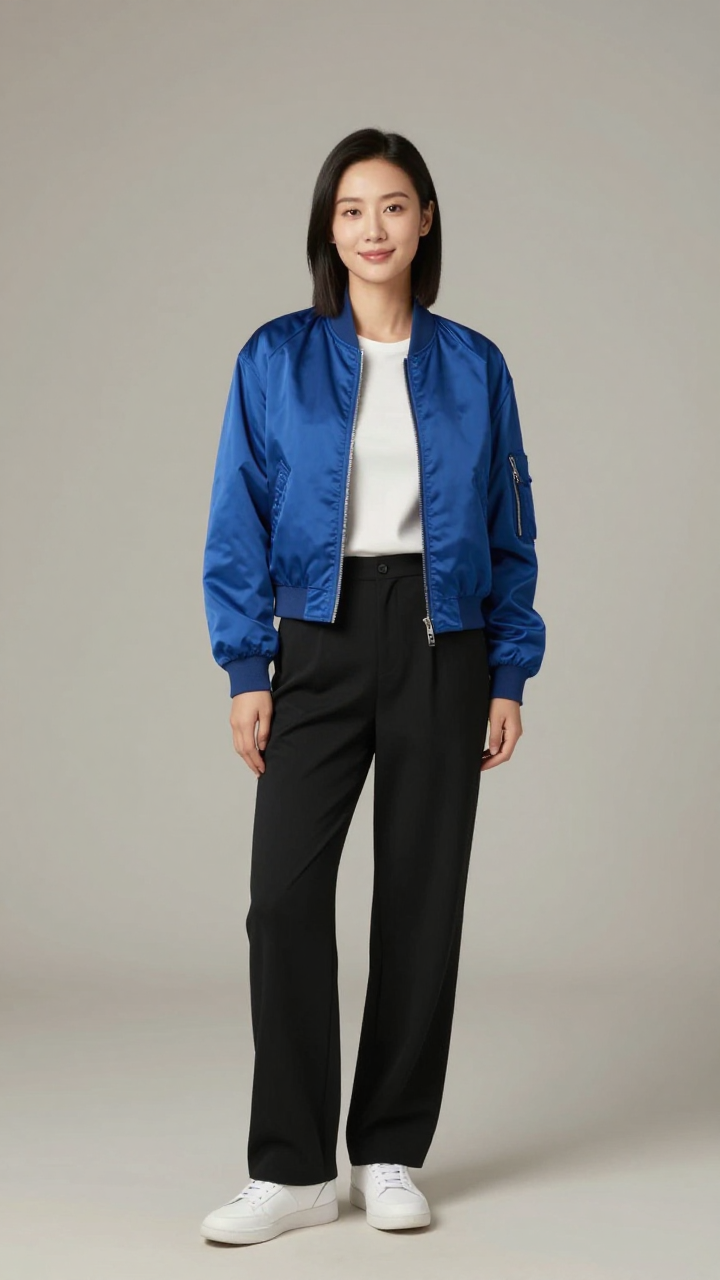
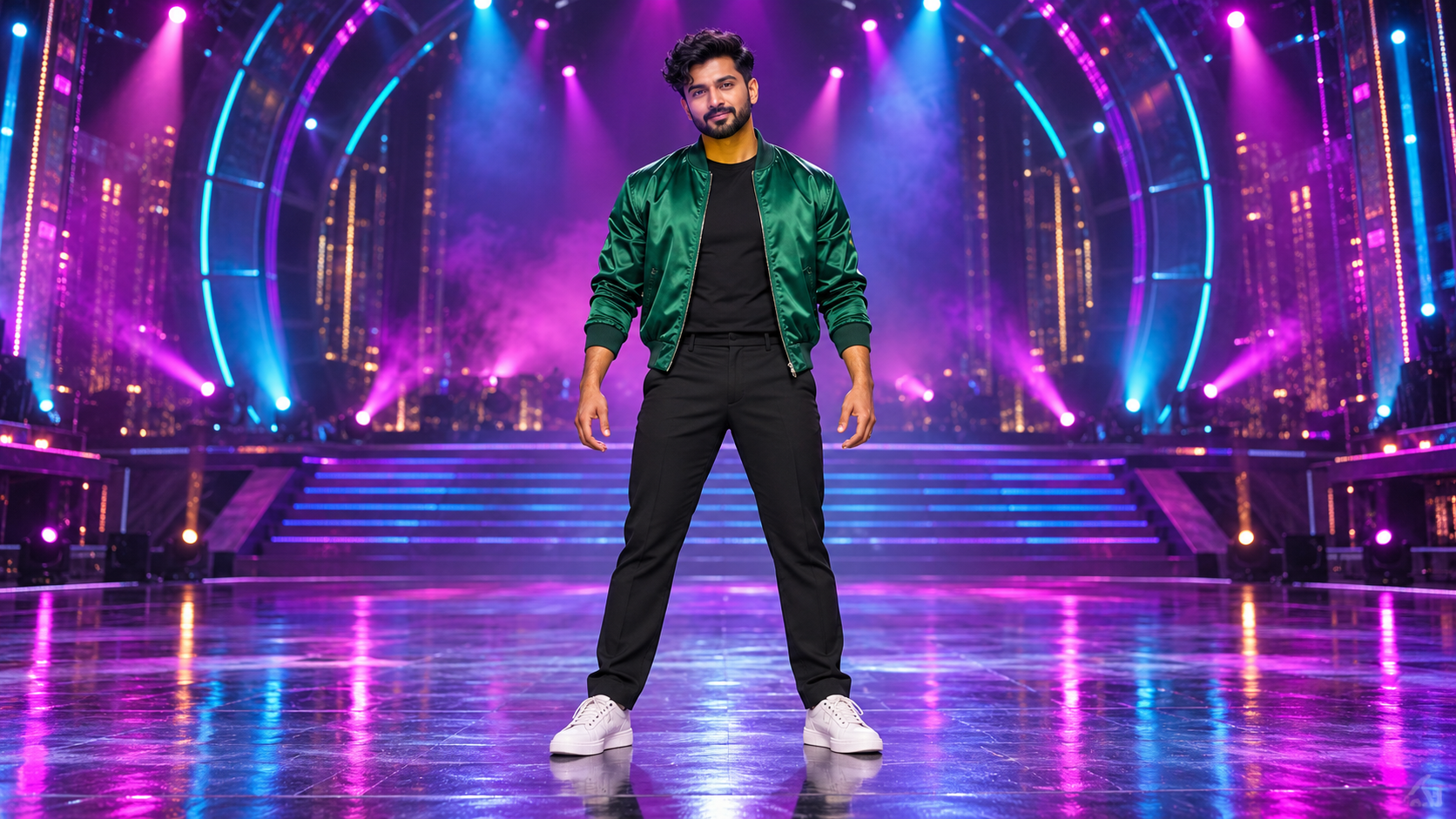
MAKE IT YOURS
Start with a clear brief.
Two photos, one adult per photo
Choose clear faces at similar camera angles. Reference 1 goes on the left; reference 2 goes on the right. Use photos of people who agree to the edit.
JPG, PNG or WebP · up to 5 MB per photo. The studio will ask you to choose both photos after you continue.
Default output: 928 × 1152. You can change the image ratio in the studio.
Preparing the prompt is free. Continuing does not generate or charge credits. Sign in, upload your photos and review the 6-credit cost before choosing Generate in the studio.
CHECK BEFORE SHARING
Look closely at the result.
Two references are supported in this workflow. AI can alter identities or merge details; compare each face with its source. The generated scene does not document a real meeting.
- Exactly two people, each matching the correct reference
- Both faces remain distinct, with natural eyes and shoulders
- Consistent scale and lighting in one scene, without cutout seams
From photo to download.
- Prepare. Edit the brief above and continue. Choose your reference photos in the image studio.
- Generate. Check Nano Banana 2.1, the references, ratio and 6-credit cost. Submit once and wait for that request to finish.
- Inspect and save. Compare the faces or object details, then download the PNG from the result. Successful jobs remain in your history.
If a request is still processing, recover that request instead of submitting it again. If it fails, read its status and credit outcome before retrying. A successful image you choose to regenerate is a new 6-credit generation.
A few useful details.
Can I combine three or more separate people?
This PromptToVisual workflow accepts up to two references. This page is for one person in each reference, creating a two-person photo.
Can it guarantee unchanged faces?
No. Ask for each identity explicitly, then inspect the output. For exact face preservation, use manual compositing instead.
Try another photo workflow.
Nano Banana 2.1 model details · Compare two images · All image guides