AI SANTA CAM · UPDATED NOVEMBER 22, 2026
AI Santa Cam & Living Room Photo Generator
Upload one real photo of your living room near the Christmas tree or fireplace, choose a reference-editing model such as Nano Banana 2 Lite (3 credits) or Nano Banana 2.1 (6 credits), and generate a realistic indoor security-cam Santa visit photo without a holiday subscription.
Prepare your Santa Cam prompt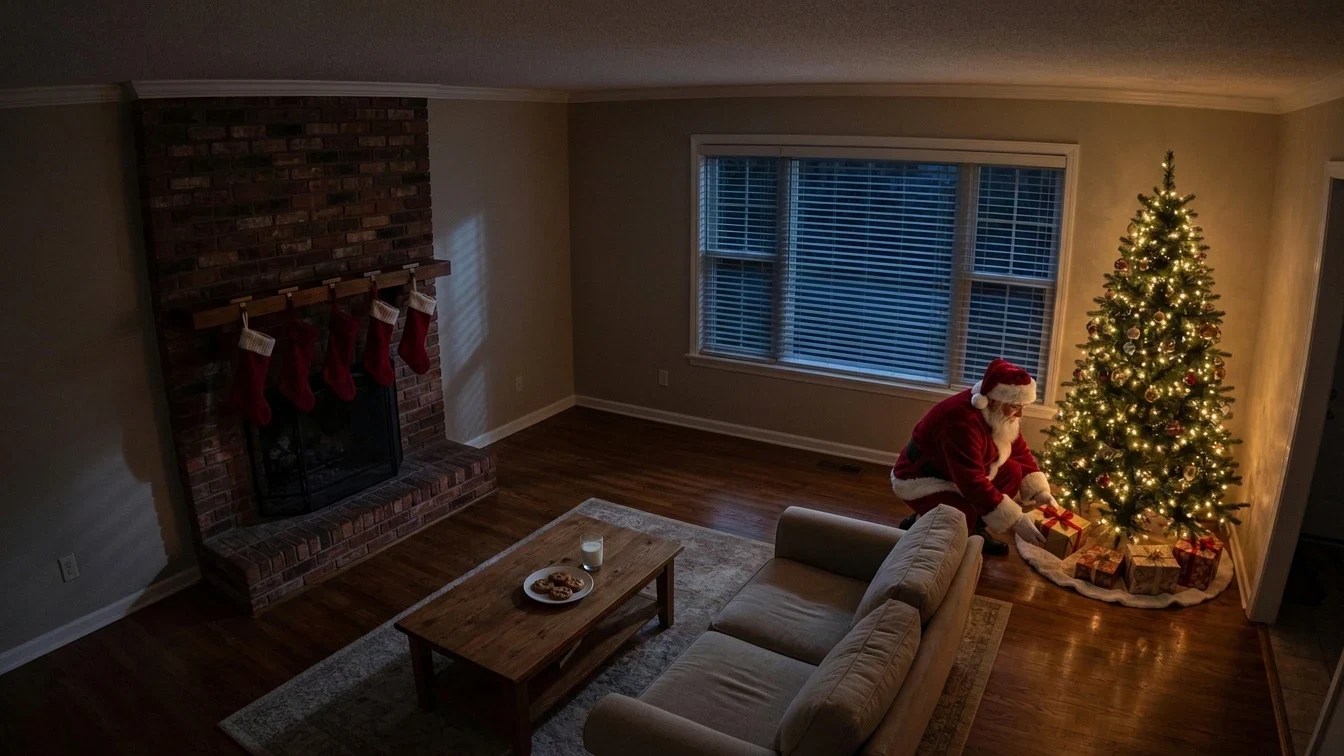
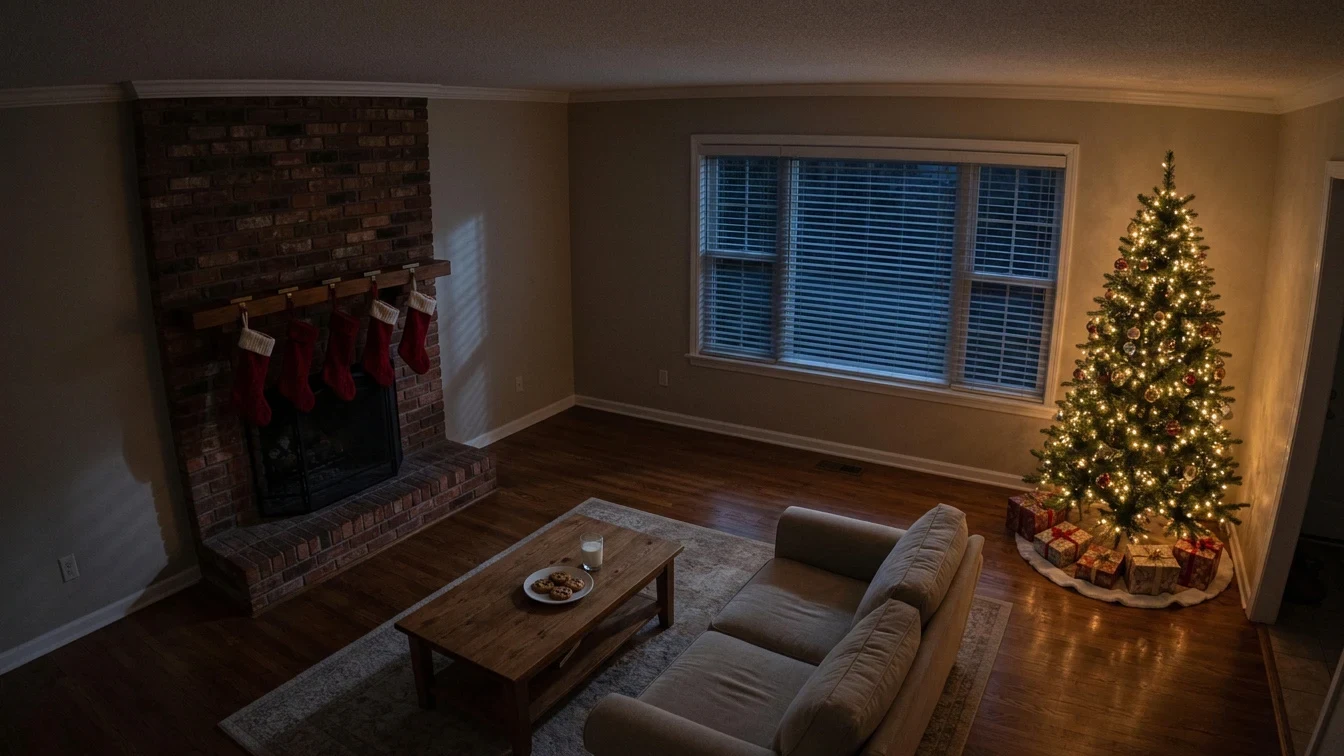
Before and after: empty living room vs Santa Cam result
Start with an unobstructed wide shot of your actual room with the tree lights switched on and overhead ceiling lamps dimmed. Keeping the camera high in a corner produces the candid indoor security-camera angle parents look for on Christmas morning.
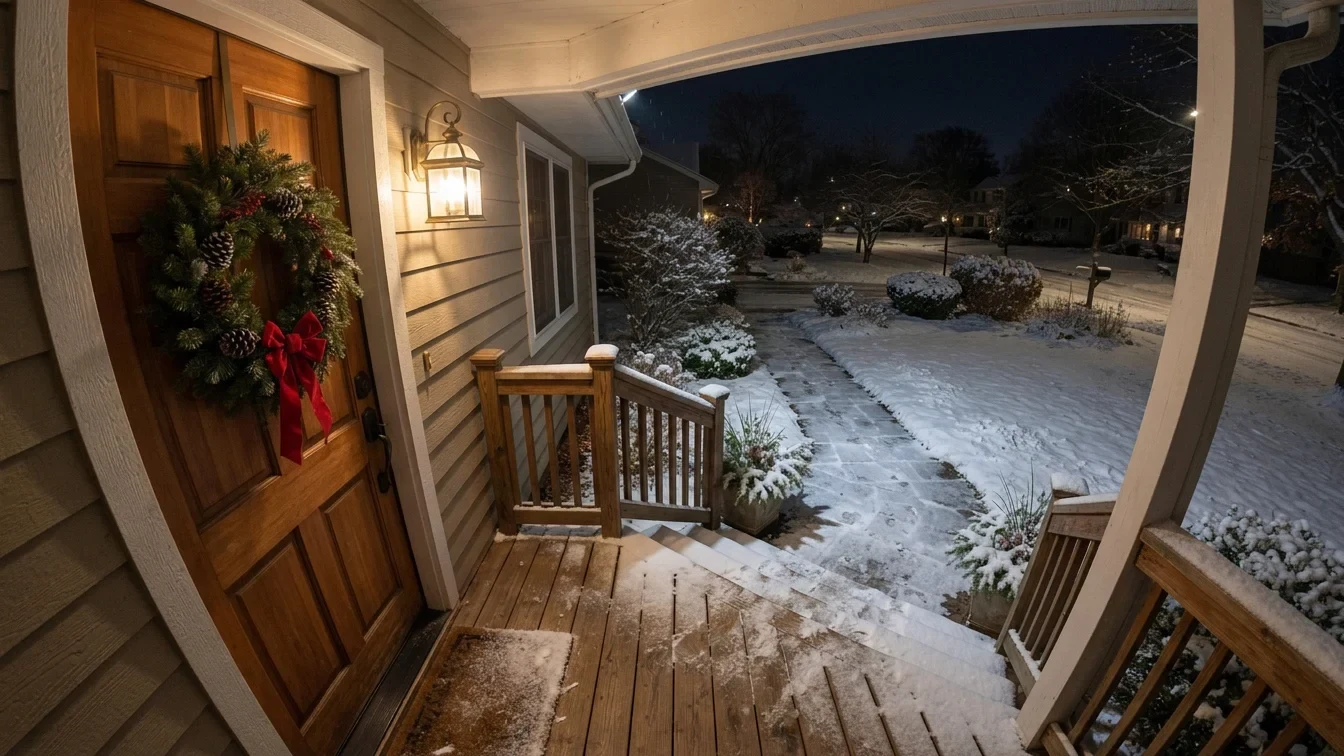
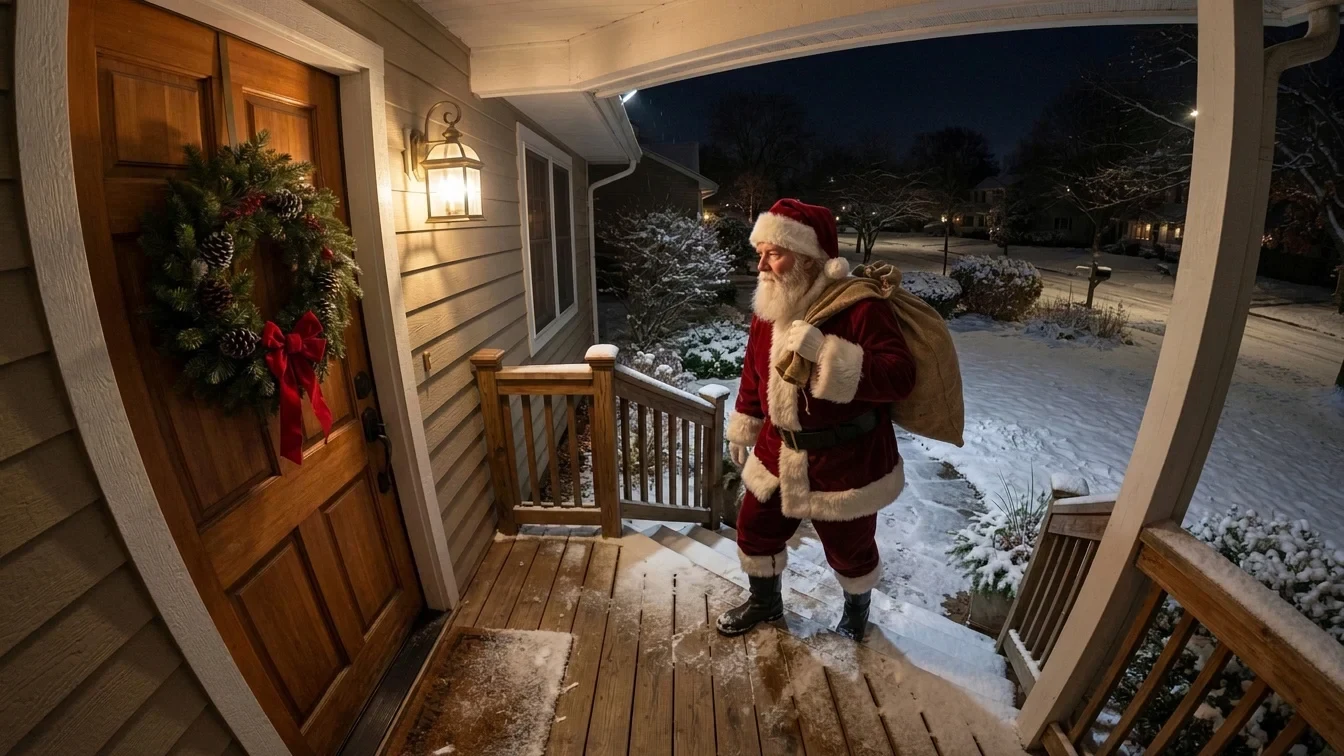
Front porch doorbell-cam example
CUSTOMIZE YOUR SCENE
Pick a Santa Cam angle and edit the prompt.
One clear room photo
Take a crisp 16:9 or 4:5 photo of your empty living room, fireplace or front porch (JPG, PNG or WebP up to 5 MB). Leave visible floor space next to the Christmas tree or coffee table so Santa fits naturally into the room scale.
Verified new accounts receive 4 one-time trial credits (enough for 1 Nano Banana 2 Lite edit at 3 credits or 1 Qwen Image 3 Pro edit at 4 credits). Paid packs start at US$9.99 for 100 one-time credits.
Preparing or copying a prompt is free. Sign in, upload your room photo and confirm the displayed credit cost before generating.
PromptToVisual vs Caught The Magic (caughtthemagic.com)
Parents searching for Santa-in-my-living-room photos usually weigh a dedicated holiday app such as Caught The Magic against a flexible AI reference editor. Compare workflow scope and billing before choosing.
| Option | Best for | Customization & realism | Pricing & limits |
|---|---|---|---|
| PromptToVisual (Reference Edit) | Custom night-vision lighting, custom poses, and reusing leftover credits all year. | Re-lights Santa to match your actual tree lights, floor reflections and room perspective from 1 uploaded photo. | 4 one-time trial credits (covers 1 edit on Nano Banana 2 Lite at 3 credits or Qwen Image 3 Pro at 4 credits); Nano Banana 2.1 costs 6 credits; $9.99 / 100 one-time credits. Redraws pixels, so small ornaments can shift. |
| Caught The Magic | Fast pre-built holiday character stickers, Santa poses and seasonal video clips. | Preset Santa, Easter Bunny and Tooth Fairy poses with built-in camera filters and manual brightness/flip controls. | Dedicated paid holiday app/web service; check current seasonal package pricing and mobile app terms on their site. |
| PromptToVisual Image to Video | Turning your finished Santa living-room still into a 4-second animated night clip. | Uses your finished Santa Cam PNG as frame 1 for a short subtle motion clip (e.g., tree lights twinkling while Santa sets down a gift). | 40 paid credits per 4-second Seedance 2.5 clip; no free video trial. |
INSPECT BEFORE SHOWING KIDS
Check room details and lighting.
AI editing generates a flat digital PNG and can subtly alter picture frames, fireplace bricks or ornaments. Zoom in at full size and compare side by side with your original photo before saving.
- Santa’s height and shoes match the floor plane beside your Christmas tree or sofa
- Hands, gift box edges and beard look coherent without extra fingers or duplicated hats
- Room furniture, stockings and tree shape stay recognizable as your real living room
- Use Add Text to Image afterward if you want a clean corner date stamp such as “DEC 25 · 02:14 AM” without letting AI scramble numbers
Frequently asked questions
How do I put Santa in a photo of my own living room?
Take one clear night-time photo of your living room near the Christmas tree or fireplace, upload it as reference image 1 in the PromptToVisual image studio, select Nano Banana 2 Lite (3 credits), Qwen Image 3 Pro (4 credits) or Nano Banana 2.1 (6 credits), and paste the Santa Cam prompt below.
Can I try the AI Santa Cam photo workflow with free trial credits?
Yes, once on lower-credit editing models. Verified new accounts receive 4 one-time trial credits valid for 30 days, which covers one Nano Banana 2 Lite edit (3 credits) or one Qwen Image 3 Pro edit (4 credits). Nano Banana 2.1 costs 6 credits and requires paid credits ($9.99 for 100 one-time credits).
How does PromptToVisual compare with Caught The Magic (caughtthemagic.com)?
Caught The Magic is a dedicated holiday app and web service with preset Santa poses, camera overlays and paid seasonal packages. PromptToVisual is a pay-per-credit multi-model image studio where you edit your own room photo with custom lighting, camera angle and pose prompts, without a holiday-only subscription.
Will every ornament and piece of furniture stay pixel-identical?
No. Generative image editing redraws pixels across the room even when preserving the layout, sofa, fireplace and tree. Compare the generated PNG with your original living room photo before sharing.
Related holiday and photo workflows
Nano Banana 2 Lite (3 credits) · Nano Banana 2.1 (6 credits) · Credit packs & pricing