PHOTO TO PIXEL ART · NANO BANANA 2.1
Your photo.
A little more retro.
Redraw one portrait, pet or object as pixel-style artwork with bold colour blocks and a simplified silhouette. Start with a clear subject, then adjust the background and colours in the brief.
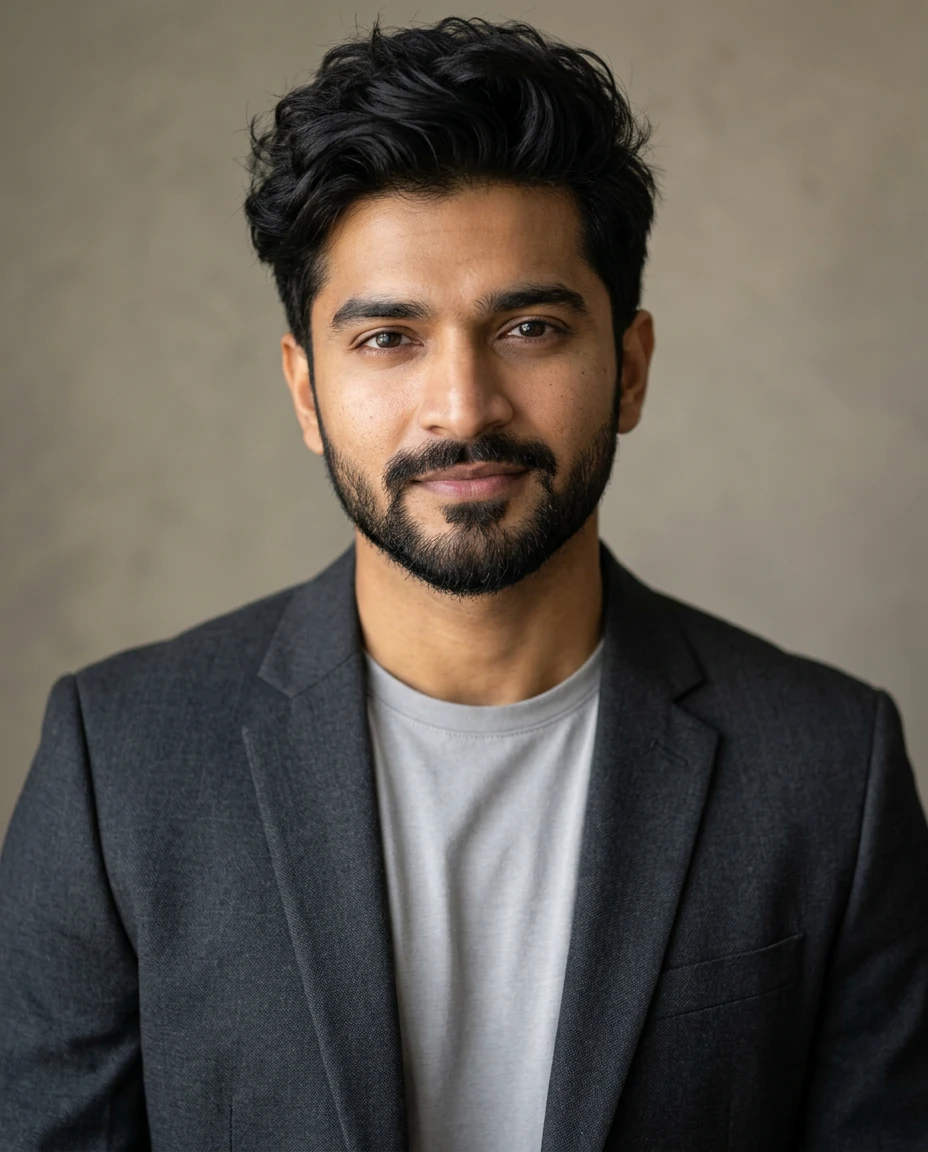
Prepare your photo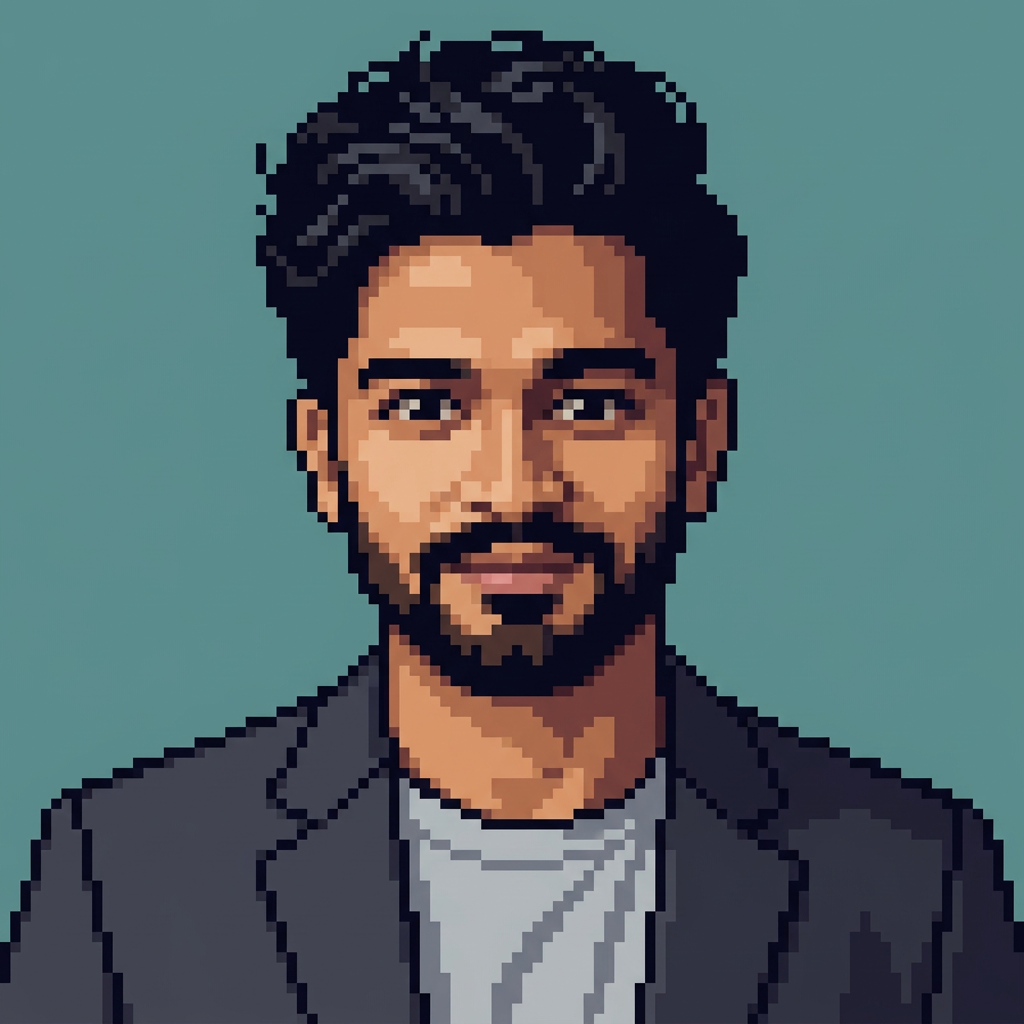
Start with the sources.
These are our existing synthetic sample images, reused for this example. They are not customer photos.
MAKE IT YOURS
Start with a clear brief.
One photo with a clear subject
A front-facing portrait, pet or isolated object works as a starting point. Use a source where the details you want to keep are visible. The example uses our existing synthetic headshot.
JPG, PNG or WebP · up to 5 MB per photo. The studio will ask you to choose your photo after you continue.
Default output: 1024 × 1024. You can change the image ratio in the studio.
Preparing the prompt is free. Continuing does not generate or charge credits. Sign in, upload your photos and review the 6-credit cost before choosing Generate in the studio.
CHECK BEFORE SHARING
Look closely at the result.
This is an AI-redrawn, pixel-style PNG. Features and framing can change. It is not a deterministic pixel converter and does not guarantee an exact pixel grid, indexed palette, transparent background, sprite sheet or editable game asset.
- The main subject and its important colours remain recognizable
- Colour blocks and stepped edges read clearly at a small size
- No photographic patches, stray lettering or extra subjects
From photo to download.
- Prepare. Edit the brief above and continue. Choose your reference photo in the image studio.
- Generate. Check Nano Banana 2.1, the references, ratio and 6-credit cost. Submit once and wait for that request to finish.
- Inspect and save. Compare the faces or object details, then download the PNG from the result. Successful jobs remain in your history.
If a request is still processing, recover that request instead of submitting it again. If it fails, read its status and credit outcome before retrying. A successful image you choose to regenerate is a new 6-credit generation.
A few useful details.
Is the output a 16 × 16 or 64 × 64 sprite?
No. The default file is 1024 × 1024 pixels with a retro pixel-art appearance. It is not an exact-size sprite or a strict low-resolution grid.
Can I change the background or colour palette?
Yes. Edit those instructions in the brief. Check the generated colours yourself; the model does not guarantee an exact palette.
Try another photo workflow.
Nano Banana 2.1 model details · Compare two images · All image guides